Klart AI for Freelancers and Micro-Entrepreneurs

3-Phase Plan for Freelancers and Micro-Entrepreneurs
Running a freelance or solo business means doing everything yourself. Client work, admin, follow-ups, documentation, planning. The work never stops, and the tools rarely talk to each other.
Klart AI is built to fix this exact problem.
By connecting the tools freelancers already use (Google Drive, Gmail, Notion, Slack, and more), Klart AI turns scattered workflows into a single AI-powered command centre. The result is less chaos, fewer context switches, and more time spent on paid or creative work instead of admin.
This guide shows how freelancers and micro-entrepreneurs actually use Klart AI through a simple, proven three-phase setup. No technical background is required.
Phase 1: Build Your Second Brain with Klart Brain (Knowledge and Context)
The goal of this phase is simple: stop searching for information and start asking for it.
Before Klart AI can help you make decisions or take action, it needs context. This phase transforms your scattered documents into a reliable, searchable knowledge base.
Connect your core knowledge tools
Google Drive or Dropbox
Connect your cloud storage from the Klart AI dashboard. Klart AI syncs in real time, so any new brief, contract, proposal, or PDF you add becomes instantly searchable.
What this unlocks:
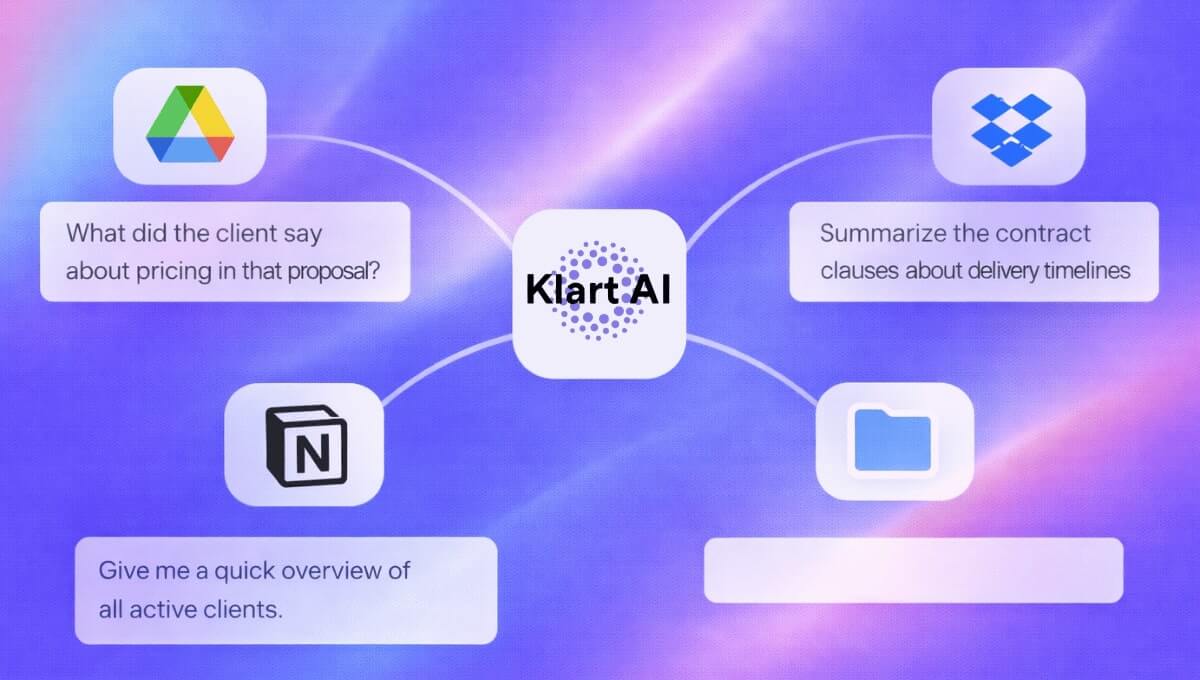
- "What did the client say about pricing in that proposal?"
- "Summarize the contract clauses about delivery timelines."
- "What were the final requirements for Project X?"
All without digging through folders or reopening the same documents every week.
Notion
Connect your Notion workspace and link key databases such as content calendars, client documentation, and project trackers.
What this unlocks:
- "What tasks are due this week?"
- "Which client projects are blocked?"
- "Give me a quick overview of all active clients."
At this stage, Klart AI stops behaving like a generic AI and starts acting like a real assistant who actually knows your business.
Phase 2: Centralize Communication (Clients and Messages)
The goal of this phase is to eliminate rereading and context loss.
Freelancers lose hours every week rereading email threads, Slack messages, and half-forgotten conversations. This phase turns Klart AI into your communication memory.
Gmail: your AI email assistant
Once Gmail is connected, Klart AI can summarize long email chains, extract action items, and draft replies grounded in real context.
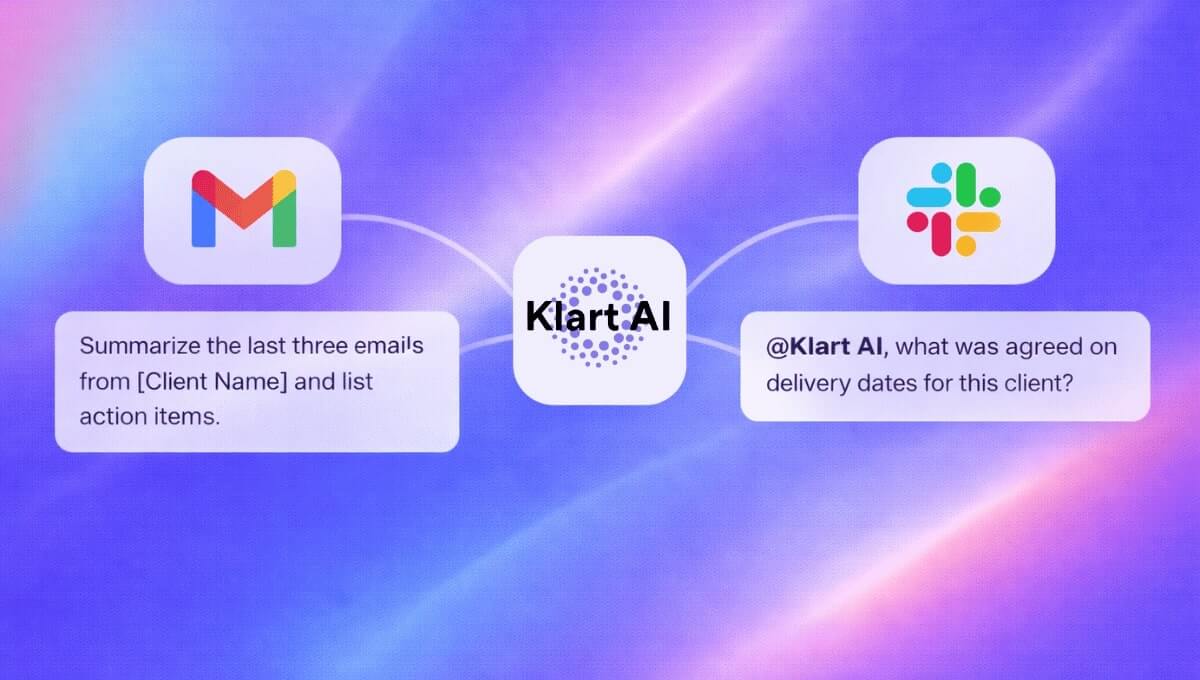
A simple habit that saves time: ask Klart AI to "Summarize the last three emails from [Client Name] and list action items."
For freelancers managing multiple clients, this alone can save several hours per month.
Slack or Microsoft Teams: AI where conversations happen
Add Klart AI directly to your workspace or selected channels. You can fact-check information without leaving the conversation, pull answers from Google Drive or Notion instantly, and clarify past decisions in seconds.
For example: "@Klart AI what was agreed on delivery dates for this client?"
Klart AI answers using your real documents, not assumptions.
Phase 3: Multiply Your Workflow (Execution and Scale)
The goal of this phase is leverage: doing more without hiring, burning out, or lowering quality.
Once Klart AI understands your knowledge and communication, it can start helping you execute. This is where freelancers begin to scale intelligently.
Using Klart Agents in real freelance workflows
You do not need every agent. Start with the ones that remove the most friction.
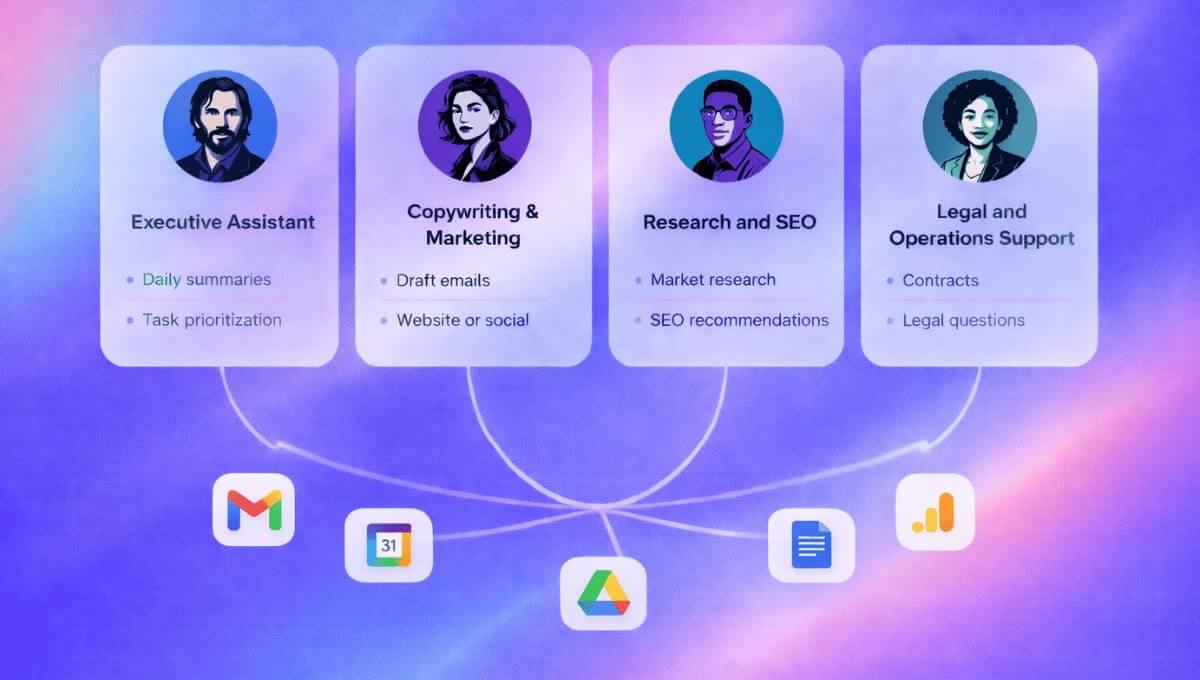
- Executive Assistant: Daily summaries, task prioritization, and follow-ups you forgot to send.
- Copywriting and Marketing: Draft client emails, website and landing page copy grounded in your real positioning, and social media captions aligned with your brand voice.
- Research and SEO: Market and competitor research, SEO recommendations based on your niche, and faster insights without endless Googling.
- Legal and Operations Support: Plain-language explanations of contracts, answers to recurring legal questions using your documents, and early risk awareness for freelancers without legal teams.
This is how solo entrepreneurs replace five or six disconnected tools with one consistent system.
A Practical Example: Slack + Klart AI in Daily Work
After connecting Slack, invite Klart AI to the channels where work happens and ask questions by tagging the AI.
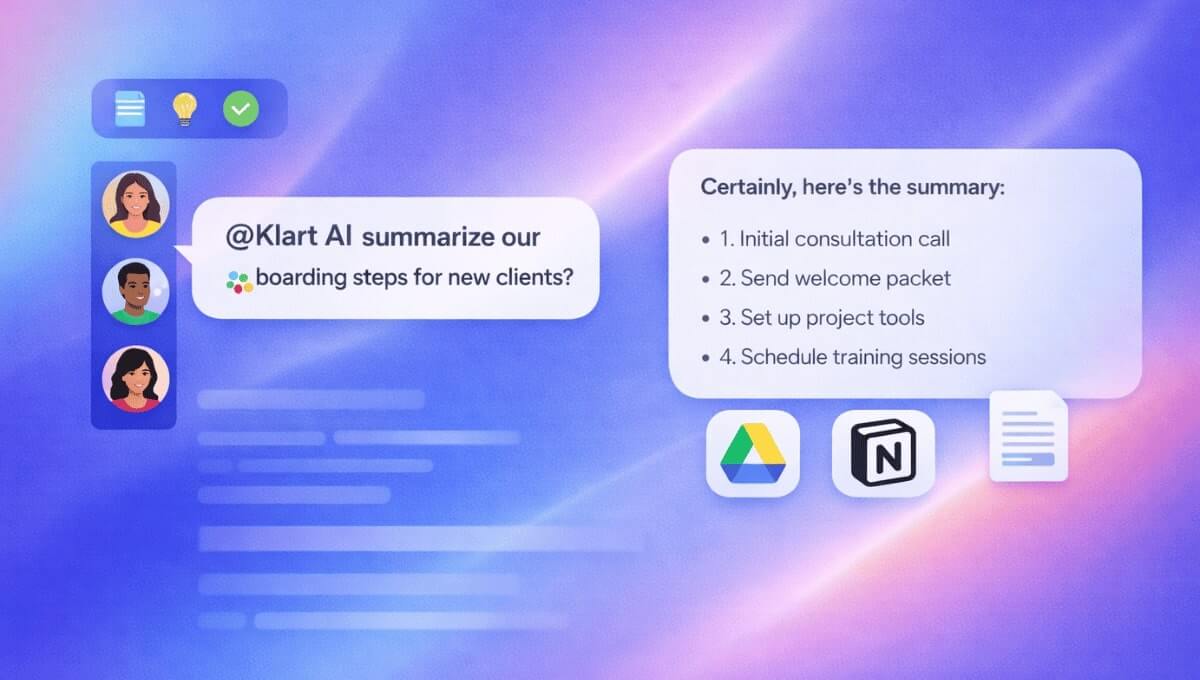
For example: "@Klart AI summarize our onboarding steps for new clients."
Klart AI responds using your Drive documents, your Notion workspace, and relevant past conversations. No repeated explanations. No manual searching.
What Changes After 30 Days
Freelancers who consistently use Klart AI typically notice:
- Fewer interruptions and context switches
- Less mental load
- Faster and more accurate client responses
- Cleaner documentation
- More time for billable or creative work
Not because they "use AI," but because their workflow finally becomes coherent.
Final Thought
Klart AI does not replace freelancers. It gives them the operational leverage of a small team, without the overhead.
If you want to see how this setup works with your own tools and clients, get started now and build your AI command centre in under an hour.