Klart AI para Freelancers y Microempresarios

Plan en 3 Fases para Freelancers y Microempresarios
Dirigir un negocio freelance o solo significa hacerlo todo tú mismo. Trabajo de cliente, administrativo, seguimiento, documentación, planificación. El trabajo nunca se detiene y las herramientas rara vez se comunican entre sí.
Klart AI está construido para resolver exactamente este problema.
Al conectar las herramientas que los freelancers ya usan (Google Drive, Gmail, Notion, Slack y más), Klart AI convierte flujos de trabajo dispersos en un único centro de comando impulsado por IA. El resultado es menos caos, menos cambios de contexto y más tiempo dedicado a trabajo pagado o creativo en lugar de tareas administrativas.
Esta guía muestra cómo los freelancers y microempresarios realmente usan Klart AI a través de una configuración simple y comprobada en tres fases. No se requiere experiencia técnica.
Fase 1: Construya Su Segundo Cerebro con Klart Brain (Conocimiento y Contexto)
El objetivo de esta fase es simple: deje de buscar información y comience a pedirla.
Antes de que Klart AI pueda ayudarle a tomar decisiones o actuar, necesita contexto. Esta fase transforma sus documentos dispersos en una base de conocimiento confiable y buscable.
Conecte sus herramientas de conocimiento principales
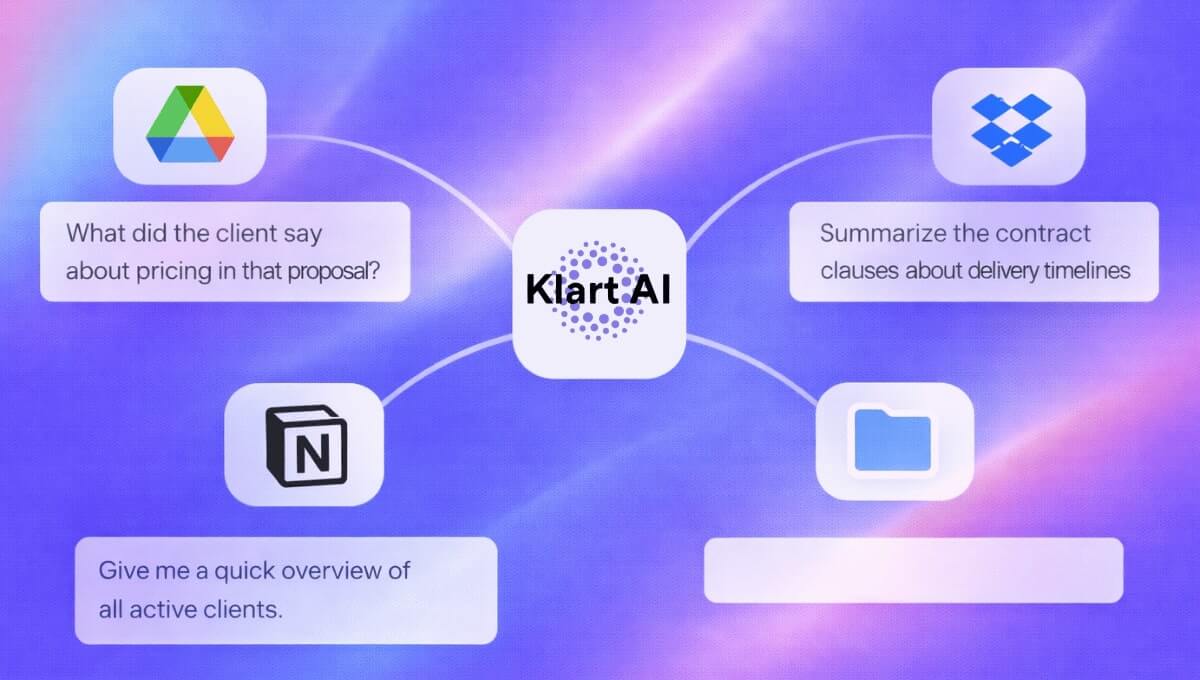
Google Drive o Dropbox
Conecte su almacenamiento en la nube desde el panel de Klart AI. Klart AI se sincroniza en tiempo real, por lo que cualquier nuevo resumen, contrato, propuesta o PDF que agregue se vuelve instantáneamente buscable.
Lo que esto desbloquea:
- "¿Qué dijo el cliente sobre precios en esa propuesta?"
- "Resume las cláusulas del contrato sobre plazos de entrega."
- "¿Cuáles eran los requisitos finales para el Proyecto X?"
Todo sin escarbar en carpetas ni reabriendo los mismos documentos cada semana.
Notion
Conecte su espacio de trabajo de Notion y vincule bases de datos clave como calendarios de contenido, documentación de cliente y seguimiento de proyectos.
Lo que esto desbloquea:
- "¿Qué tareas vencen esta semana?"
- "¿Qué proyectos de cliente están bloqueados?"
- "Dame un resumen rápido de todos los clientes activos."
En esta etapa, Klart AI deja de comportarse como una IA genérica y comienza a actuar como un verdadero asistente que realmente conoce su negocio.
Fase 2: Centralice la Comunicación (Clientes y Mensajes)
El objetivo de esta fase es eliminar la relectura y la pérdida de contexto.
Los freelancers pierden horas cada semana releyendo hilos de correo, mensajes de Slack y conversaciones semi-olvidadas. Esta fase convierte Klart AI en su memoria de comunicación.
Gmail: su asistente de correo IA
Una vez que Gmail está conectado, Klart AI puede resumir cadenas de correo largas, extraer elementos de acción y redactar respuestas ancladas en contexto real.
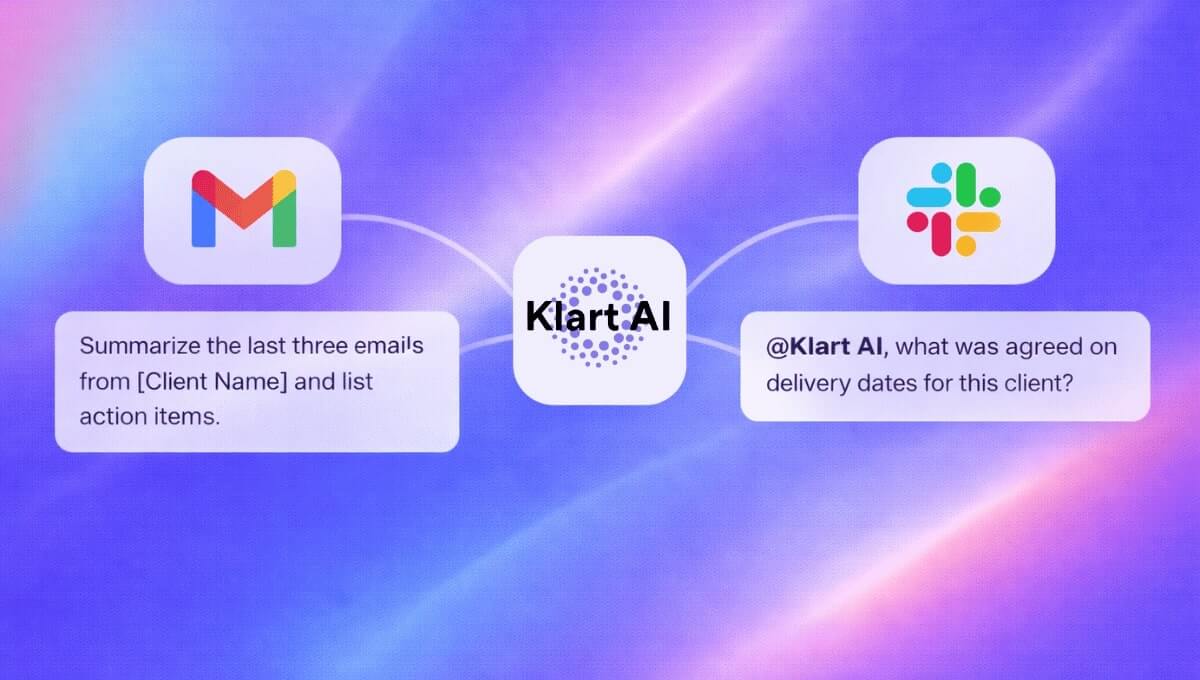
Un hábito simple que ahorra tiempo: pida a Klart AI que "Resuma los últimos tres correos de [Nombre del Cliente] y enumere los elementos de acción."
Para freelancers que manejan múltiples clientes, esto solo puede ahorrar varias horas por mes.
Slack o Microsoft Teams: IA donde ocurren las conversaciones
Agregue Klart AI directamente a su espacio de trabajo o a canales seleccionados. Puede verificar información sin salir de la conversación, extraer respuestas de Google Drive o Notion al instante y aclarar decisiones pasadas en segundos.
Por ejemplo: "@Klart AI ¿qué se acordó sobre las fechas de entrega para este cliente?"
Klart AI responde usando sus documentos reales, no suposiciones.
Fase 3: Multiplique Su Flujo de Trabajo (Ejecución y Escala)
El objetivo de esta fase es la palanca: hacer más sin contratar, agotarse ni perder calidad.
Una vez que Klart AI entiende su conocimiento y comunicación, puede ayudarle a ejecutar. Aquí es donde los freelancers comienzan a crecer de forma inteligente.
Uso de Klart Agents en flujos de trabajo freelance reales
No necesita cada agente. Comience con los que eliminen la mayor fricción.
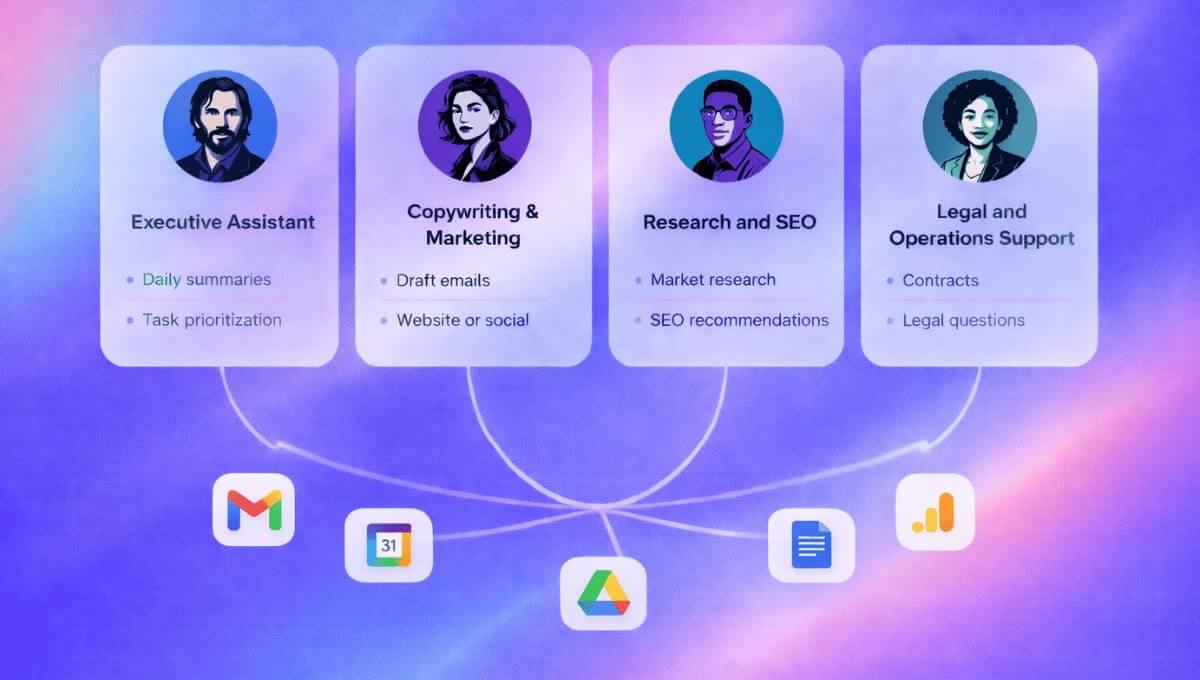
- Asistente Ejecutivo: Resúmenes diarios, priorización de tareas y seguimientos que olvidó enviar.
- Redacción y Marketing: Redacte correos de cliente, copia de sitio web y landing page anclada en su verdadero posicionamiento, y legendas de redes sociales alineadas con la voz de su marca.
- Investigación y SEO: Investigación de mercado y competencia, recomendaciones de SEO basadas en su nicho, e información más rápida sin búsquedas infinitas en Google.
- Soporte Legal y Operacional: Explicaciones en lenguaje sencillo de contratos, respuestas a preguntas legales recurrentes usando sus documentos y conciencia temprana de riesgo para freelancers sin equipos legales.
Así es como los emprendedores solo reemplazan cinco o seis herramientas desconectadas con un sistema coherente.
Un Ejemplo Práctico: Slack + Klart AI en el Trabajo Diario
Después de conectar Slack, invite a Klart AI a los canales donde ocurre el trabajo y haga preguntas etiquetando la IA.
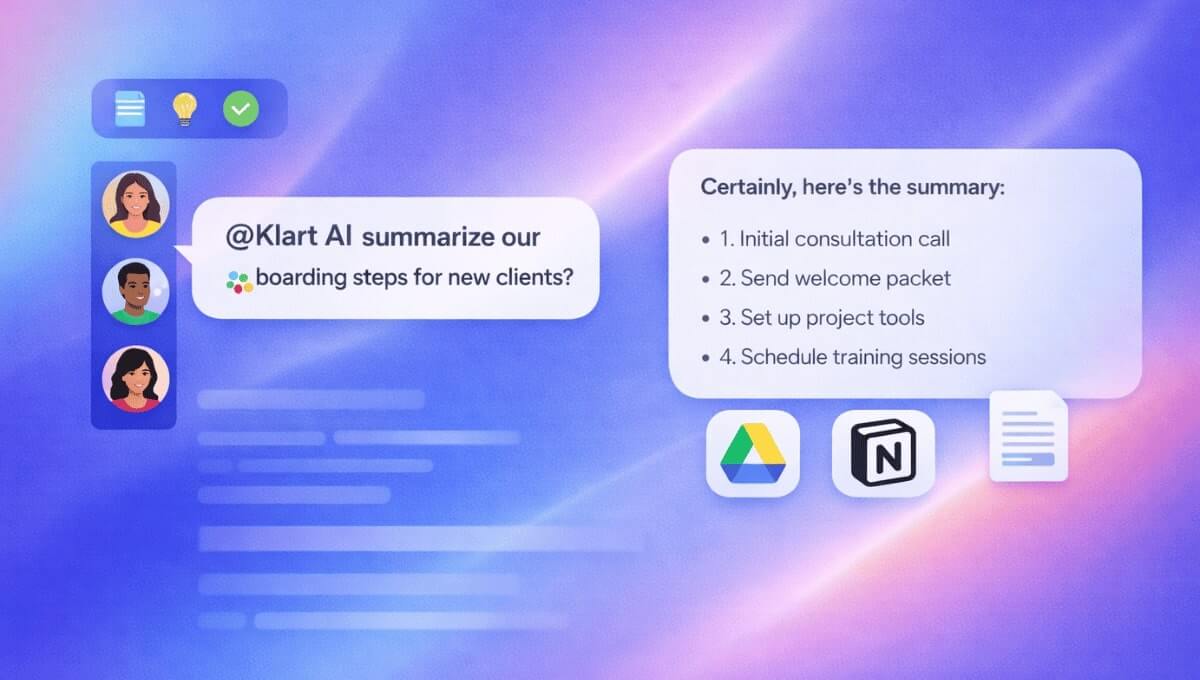
Por ejemplo: "@Klart AI resume nuestros pasos de incorporación para nuevos clientes."
Klart AI responde usando sus documentos de Drive, su espacio de trabajo de Notion y conversaciones pasadas relevantes. Sin explicaciones repetidas. Sin búsqueda manual.
Qué Cambia Después de 30 Días
Los freelancers que usan Klart AI consistentemente típicamente notan:
- Menos interrupciones y cambios de contexto
- Menos carga mental
- Respuestas a clientes más rápidas y precisas
- Documentación más limpia
- Más tiempo para trabajo facturable o creativo
No porque "usen IA", sino porque su flujo de trabajo finalmente se vuelve coherente.
Reflexión Final
Klart AI no reemplaza a los freelancers. Les da la palanca operacional de un pequeño equipo, sin la sobrecarga.
Si desea ver cómo esta configuración funciona con sus propias herramientas y clientes, comience ahora y construya su centro de comando de IA en menos de una hora.